Dynamic Warehouse System (Smart WH)
Warehouse management system with barcode/QR scan workflows, real-time rack capacity tracking, and stock adjustment.
Overview
A web-based warehouse management system built for PT. Nihon Seiki Indonesia, designed to track material placement, rack status, and the flow of goods in and out of the warehouse — all through simple barcode/QR scanning instead of manual paperwork.
Problem
- Tracking which parts were stored on which rack relied on manual records that quickly went out of date.
- Racks would silently overfill or run out of space, with no automatic way to flag it.
- Stock counts (opname), returns, and reporting were slow, manual processes.
Solution
- Scan to check in: scanning a part's barcode automatically places it on an available rack of the right size, or overflow storage if the main racks are full.
- Scan to check out: operators can scan and process multiple items in one batch, no page reloads needed.
- Scan to adjust stock: reconciling physical inventory against the system happens in one scan per rack, instantly surfacing missing or extra items.
- Returns handling for items that need to go back into storage.
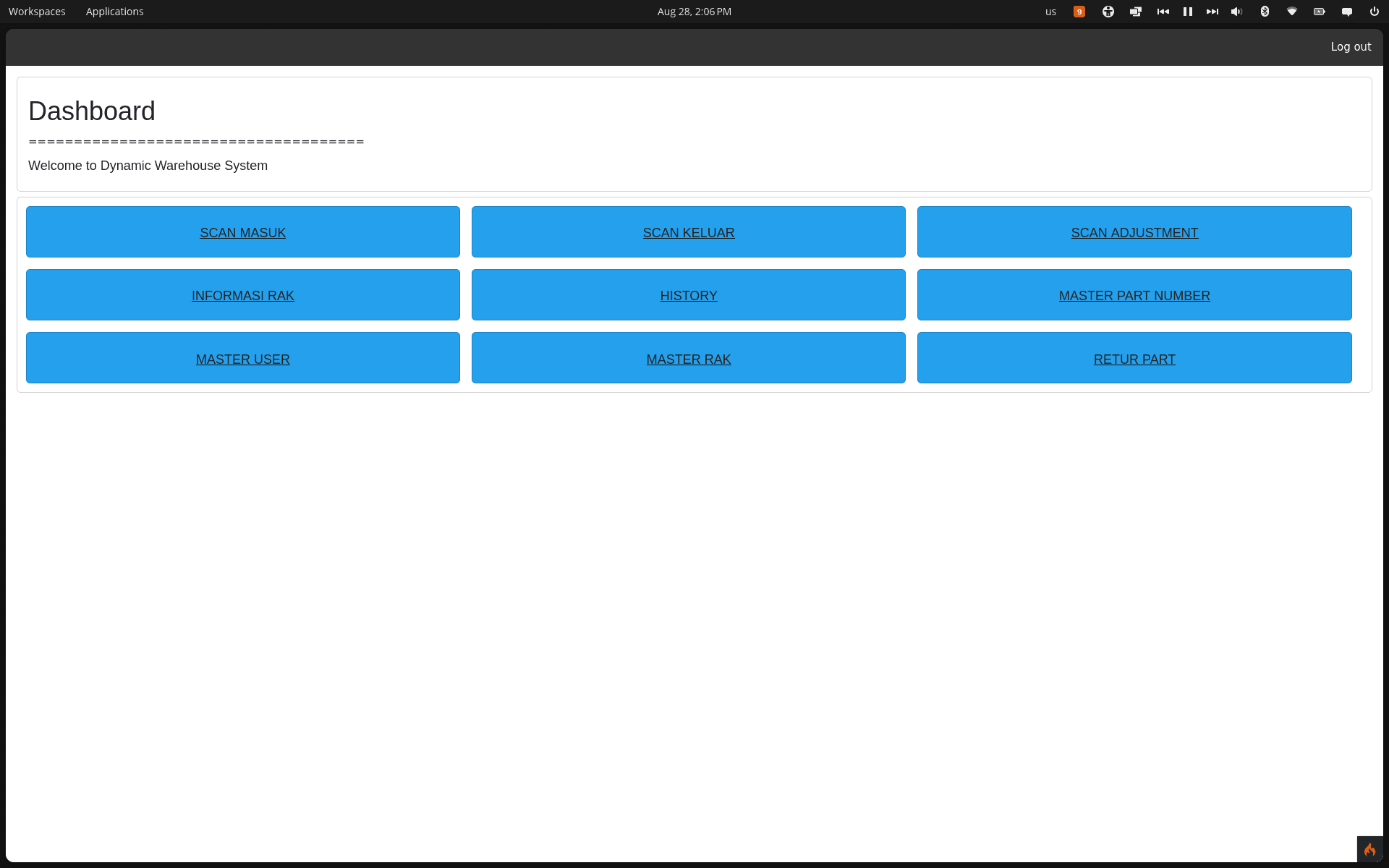
- Role-based dashboards for QC, Delivery, Customer Service, and Admin, each seeing only the tools relevant to their job.
- Reporting: full transaction history and one-click Excel export for racks, stock, and audit records.
Role Matrix
| Menu / Feature | QC | Delivery | CS | Admin | | :--- | :---: | :---: | :---: | :---: | | Check-in (scan in) | ✅ | | | ✅ | | Check-out (scan out) | | ✅ | | ✅ | | Stock adjustment | | | ✅ | ✅ | | Master parts / racks | | | ✅ | ✅ | | Returns | | | ✅ | ✅ | | Rack info, history, users | ✅ | ✅ | ✅ | ✅ |
Architecture & System Flow
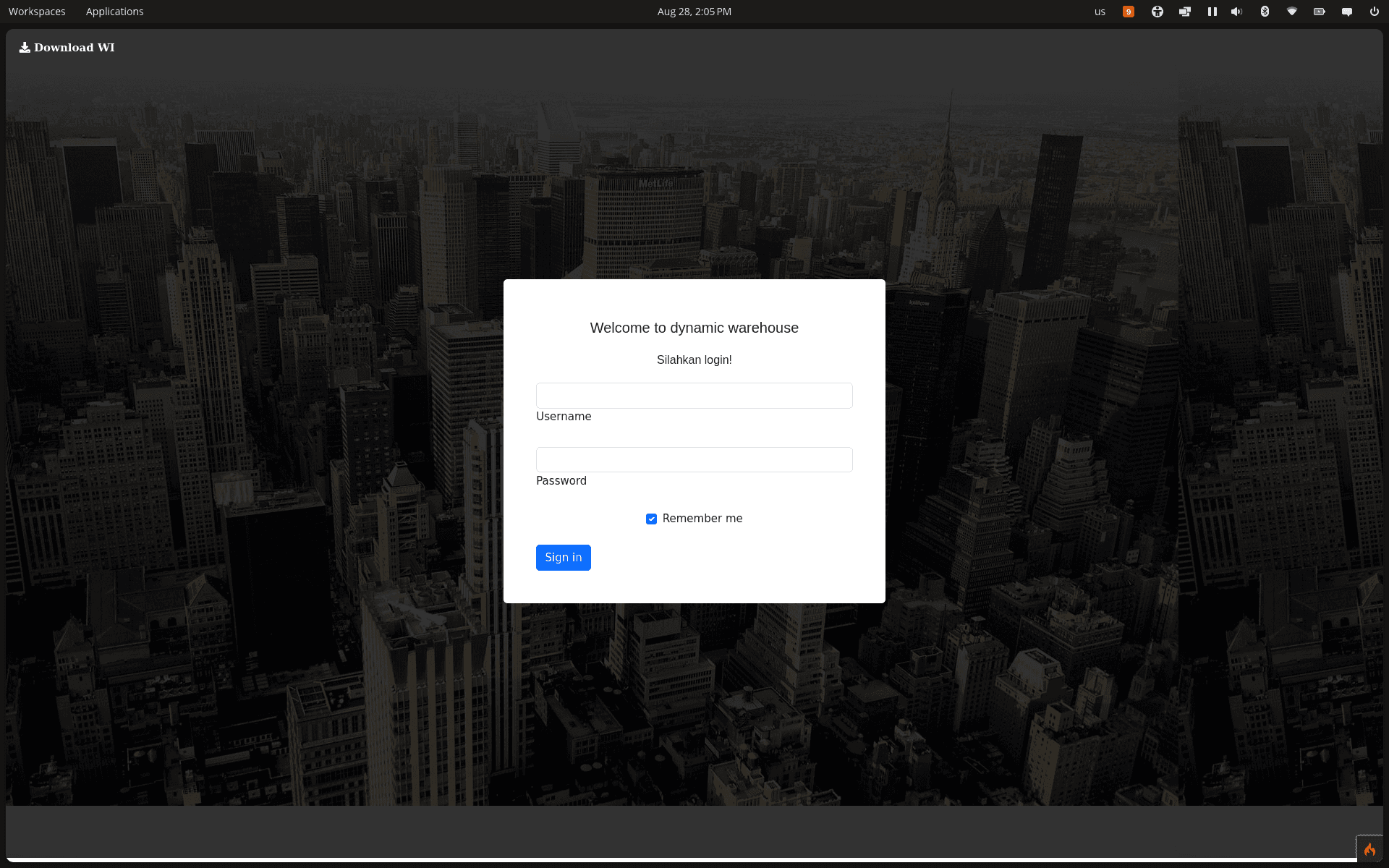
Login & Session
flowchart LR
    A[GET /login] --> B{Session already active?}
    B -- Yes --> C[Redirect to /dashboard]
    B -- No --> D[Show login form]
    D --> E[POST credentials]
    E --> F{password_verify}
    F -- Match --> G[Set session, redirect to dashboard]
    F -- No match --> H[Flash error, redirect back]
Check-in (goods received)
Input is a single scanned barcode/QR string in the format partNumber,lot,quantity,uniqueScanId.
flowchart TD
    A[Scan barcode/QR] --> B{Valid 4-part format?}
    B -- No --> Z1[Fail: rescan]
    B -- Yes --> C{Part number registered?}
    C -- No --> Z2[Fail: unknown part]
    C -- Yes --> D{Already checked in?}
    D -- Yes --> Z3[Fail: duplicate scan]
    D -- No --> E{Part has an active rack?}
    E -- No --> F[Find an empty rack matching part size]
    F --> G{Empty rack found?}
    G -- No --> H[Fallback to Over Area]
    G -- Yes --> I[Use that rack]
    E -- Yes --> J{Existing rack has capacity?}
    J -- Yes --> I
    J -- No --> H
    I --> K[Insert transaction: status=checkin]
    H --> K
    K --> L[Update rack capacity & status]
    L --> M[Append event to transaction history log]
    M --> N[Success: part placed on rack]
Check-out (goods shipped)
Check-out is AJAX-only — the operator scans multiple items on the client before submitting the whole batch as one request.
flowchart TD
    A[Scan multiple items client-side] --> B[POST JSON array via AJAX]
    B --> C[Loop each item]
    C --> D{Currently checked in?}
    D -- No --> E[Skip item]
    D -- Yes --> F[Decrement rack capacity, update status]
    F --> G[Append event to transaction history log]
    G --> H[Update transaction: status=checkout]
    H --> I[Next item]
    I --> C
Data Model (ERD)
erDiagram
    RACK ||--o{ TRANSACTION : holds
    PART ||--o{ TRANSACTION : "item type"
    USER {
        int id PK
        varchar username
        varchar password "hashed"
        enum role "QC|Delivery|CS|Admin"
    }
    PIC {
        int id PK
        varchar name
        enum department "CS|QC|Delivery"
    }
    RACK {
        int id PK
        varchar code
        enum rack_type "Large|Small|Over Area"
        enum status "Empty|Filled|Full"
        int total_packing
    }
    PART {
        int id PK
        varchar part_number
        int max_capacity
        enum rack_type "Large|Small"
    }
    TRANSACTION {
        int id PK
        int part_id FK
        int rack_id FK
        varchar unique_scan_id
        varchar lot
        int quantity
        enum status "checkin|checkout|adjust_in|adjust_out"
        varchar pic
        datetime checked_in_at
        datetime checked_out_at
    }
    TRANSACTION_HISTORY {
        int id PK
        json event_snapshot "audit log, not FK-linked"
    }
status is the core state machine of the app: checkin → checkout → (return) back to checkin, with adjust_in/adjust_out as variants produced by the stock-opname (adjustment) flow. TRANSACTION_HISTORY isn't relational — every check-in/out/adjustment/return event is appended as a JSON snapshot, which is what powers the History page without heavy joins.
Key Impact
- Replaced manual rack tracking with real-time, scan-based visibility into warehouse stock.
- Cut the time needed for stock opname (physical counts) from manual reconciliation to a single scan pass.
- Gave every role a dashboard tailored to their responsibilities, reducing training time for new staff.